
Signal
Signal is a free, privacy-focused encrypted messaging app from the Signal Foundation. Signal Desktop 8.28.0 brings your chats to a Windows PC.
Windows
Open source
WhatsApp Desktop is the official WhatsApp app for Windows, letting you chat and call from your PC with the account on your phone.
Average 0.0 · ratings: 0
Thank you! Your rating is saved; you can change it. Could not save the rating. Please try again later. Too many ratings from your network today. Please try again tomorrow. The average appears after 5 ratings.
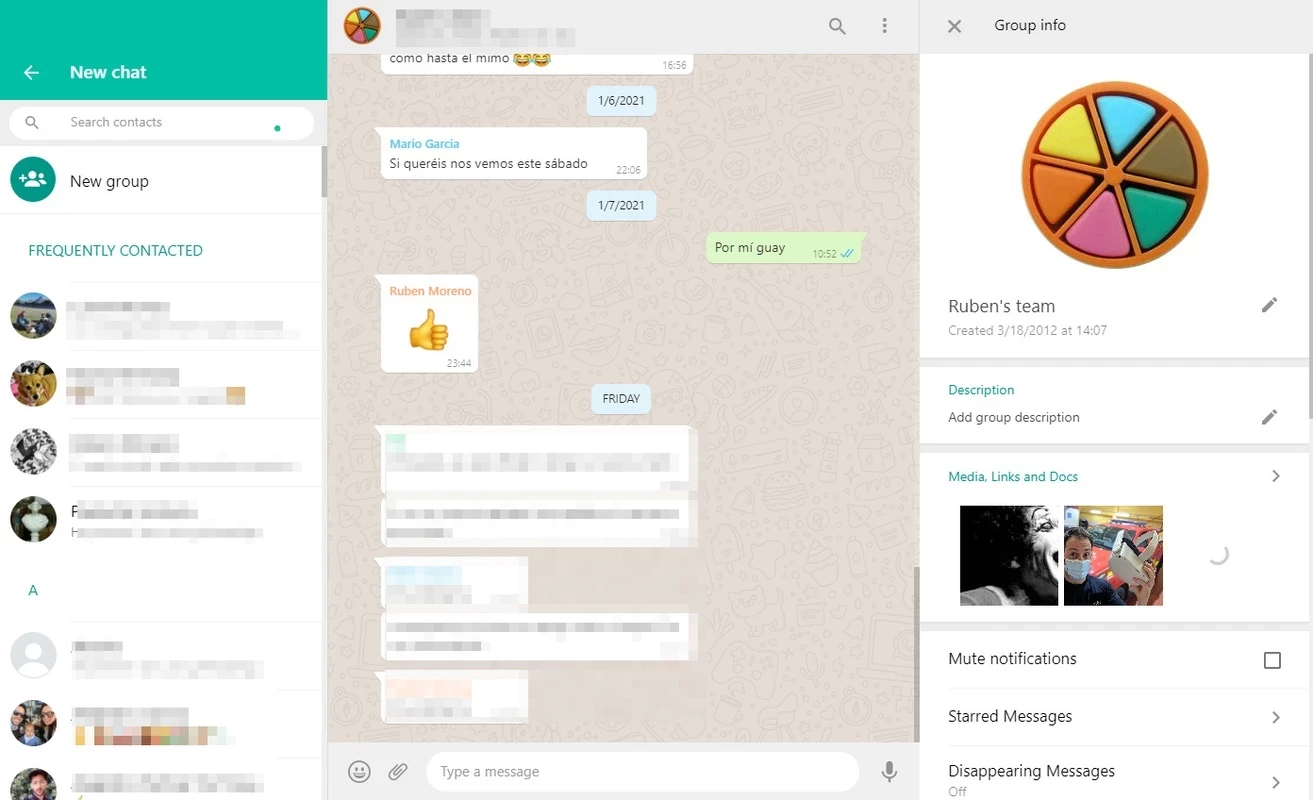
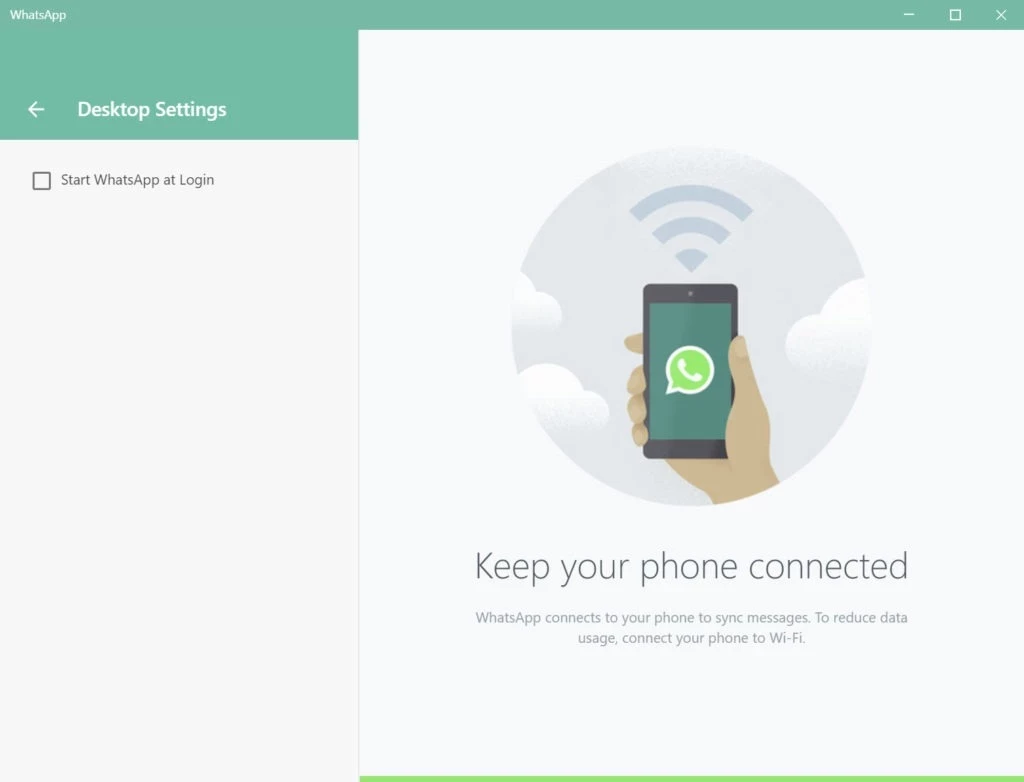
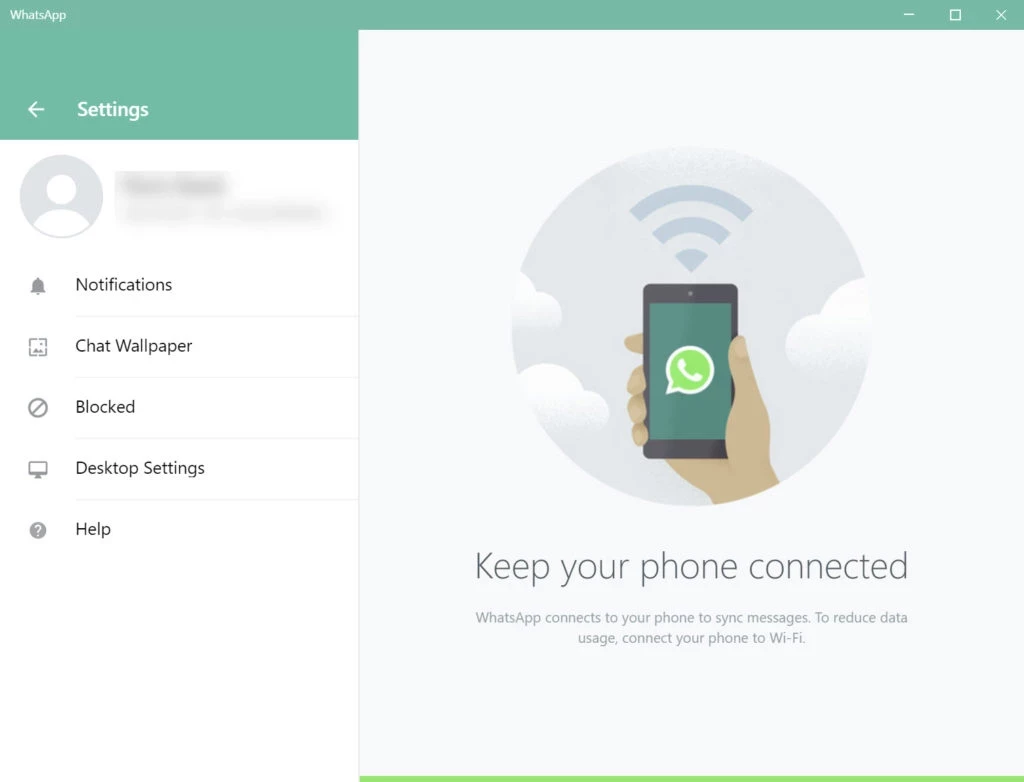
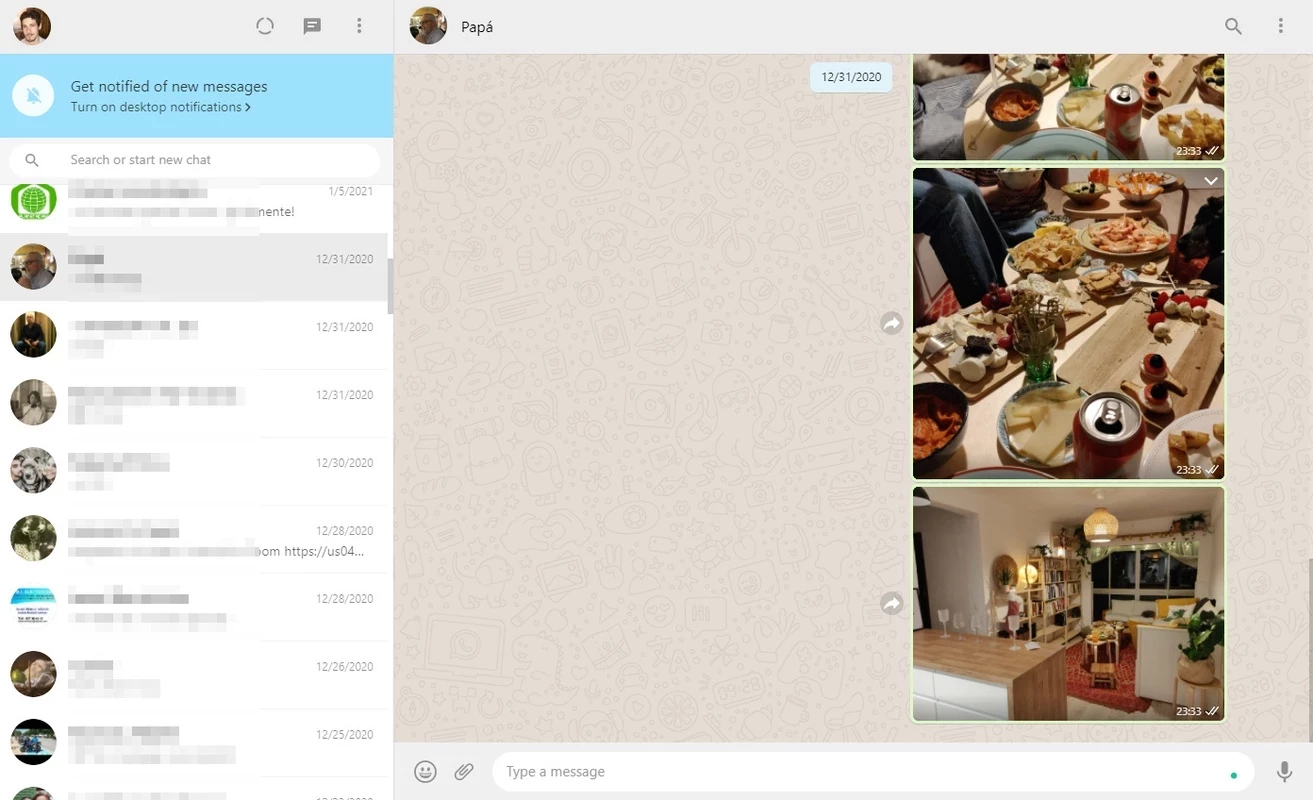
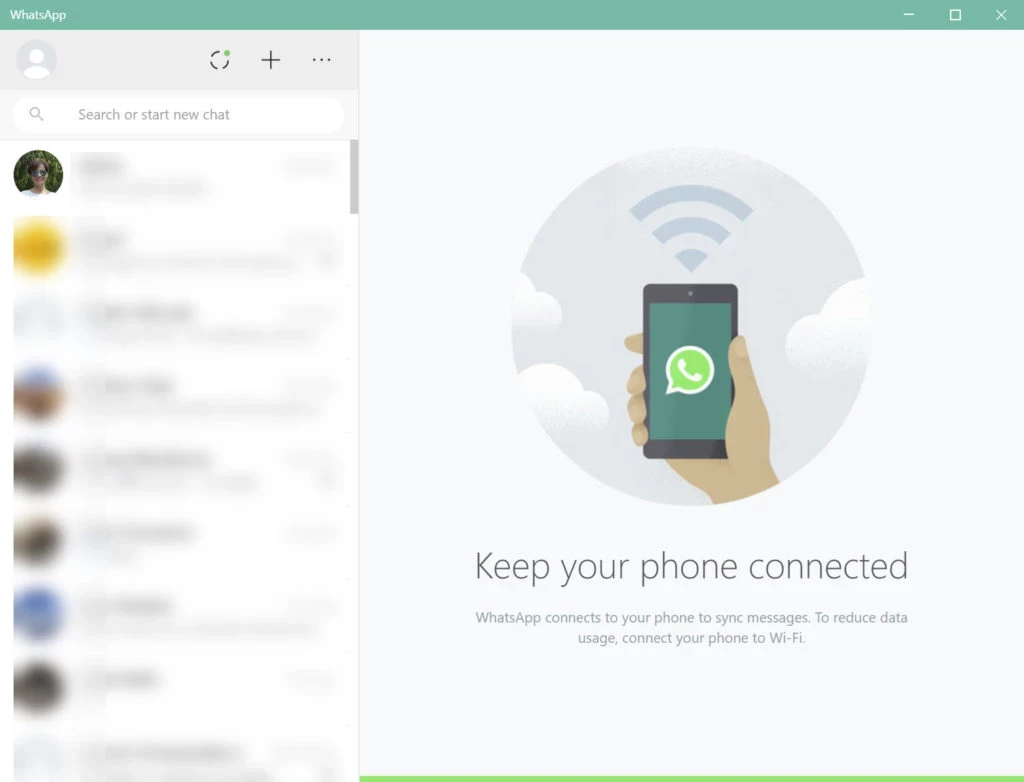
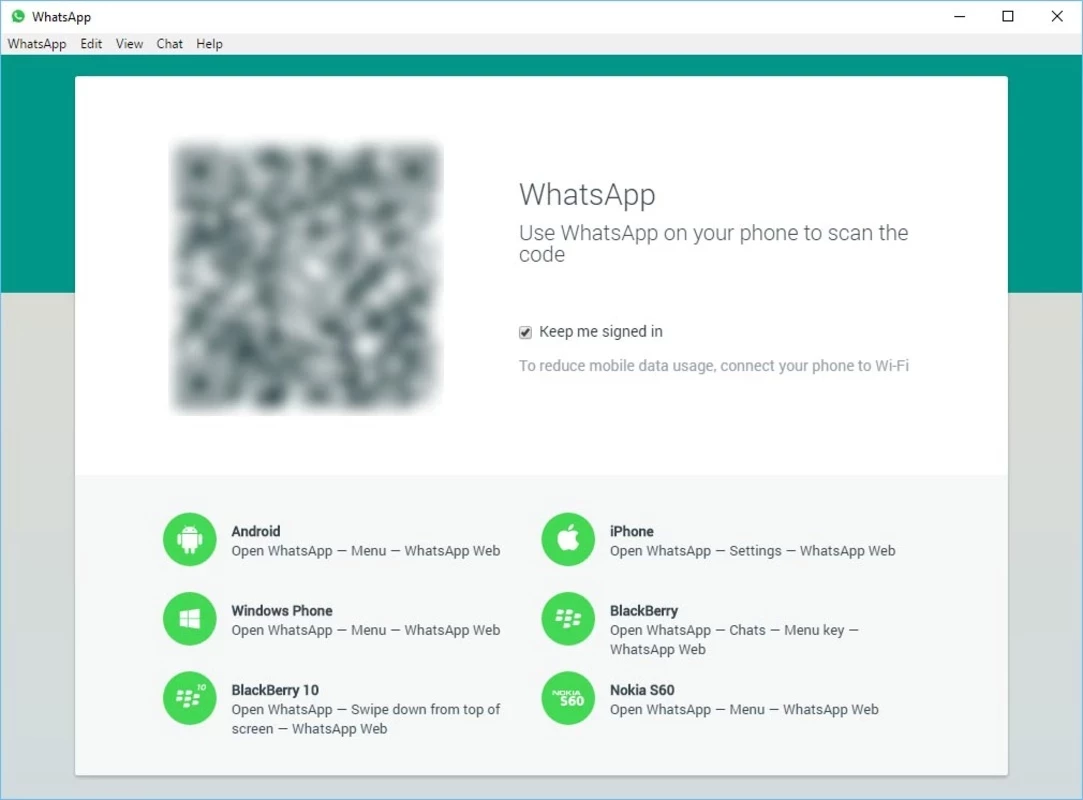
WhatsApp Desktop 2.2636.100.0 is the official WhatsApp app for Windows from WhatsApp LLC, part of Meta Platforms. It lets you chat from your PC with the same account as on your phone, and you can download WhatsApp Desktop from whatsapp.com or the Microsoft Store.
| Item | Details |
|---|---|
| Version | 2.2636.100.0 |
| Developer | WhatsApp LLC (Meta Platforms) |
| Windows | Windows 10.1 64-bit version 1903 or later |
| Mac version | macOS 11 or later |
| Price | Free |
| Size | about 339.16 MB according to catalogue data |
WhatsApp started in 2009 as a mobile messenger, and the phone is still the centre of your account. The desktop app extends it to the computer: you link it once, and from then on chats, group conversations and files appear on the PC as well. Typing long messages on a real keyboard, sending documents straight from a folder and following a busy group chat while you work are the main reasons people install it. Compared with WhatsApp Web in the browser, the Windows app runs as a separate program with its own window and notifications, so it does not disappear when you close the browser. Your contacts see no difference: messages from the PC arrive exactly as if you had sent them from the phone.
Most problems come from the phone side. Make sure the phone has a working internet connection and the latest WhatsApp version, then remove the old entry from Linked devices and scan a fresh code. On the PC, check the date and time settings and whether a firewall or company proxy blocks the connection. Reinstalling the desktop app from the official page solves most remaining issues without deleting chats from the phone.
Install WhatsApp only from whatsapp.com or the Microsoft Store. Fake desktop installers and modified WhatsApp versions are used to steal accounts; they can also get your number banned. Never share the verification code you receive by SMS, and treat unexpected requests for money in chats with suspicion.
Our listings include WhatsApp Web for the browser, and Telegram Desktop, Signal, Viber and Discord as other desktop messengers for Windows.
Signal is a free, privacy-focused encrypted messaging app from the Signal Foundation. Signal Desktop 8.28.0 brings your chats to a Windows PC.
WhatsApp Viewer is a free Windows tool by Andreas Mausch that opens WhatsApp chat databases from Android and displays the conversations on a PC.

Microsoft Teams is Microsoft's collaboration and video-conferencing app for chat, meetings, calls and shared files at work, school or home.

Zoom Meeting is the desktop client of Zoom's video-conferencing service for calls, webinars, screen sharing and chat on Windows.
Camo Studio is Reincubate's desktop app that turns an iPhone, iPad or Android phone into a high-quality webcam for a Windows PC or Mac.

Google Meet is Google's video meeting app. On Windows it runs from the browser and can be installed as an app, with no separate installer to download.

Facebook for Windows is the desktop app of Meta's social network, with the news feed, groups, pages and notifications in a separate window.

Telegram Desktop is the official Windows client of the Telegram messenger, with chats, groups, channels and file sharing synced from the cloud.

Telegram Web is the browser version of the Telegram messenger: open it on a Windows PC, log in with your phone and chat without installing anything.